Download File Manager free on android
APK file File Manager 2.0.0.397_180123How to install APK / APKS / OBB file on Android

Manage your files efficiently and easily with ASUS File Manager! ASUS File Manager helps you handle all your files whether they are stored in your device's memory, microSD card, local area network, and cloud storage accounts.
By default, ASUS File Manager allows you to copy, move, rename, delete or share files to and from any of your storages. It also lets you browse and access your files by category.
Key features
Experience and enjoy these features that ASUS Manager has to offer:
- Your light and savvy file explorer: Search, access, save, move, delete, or share files that are stored in your smart device's internal storage to or from a microSD card, LAN, or Cloud storage accounts and vice-versa.
- Access files in LAN and SMB: Manage files within your LAN (local area network) and SMB (Samba) network.
- More storage options via Cloud storages: Supports cloud storage accounts such as ASUS WebStorage, Dropbox, Google Drive and Microsoft OneDrive
- Suave and smooth multimedia streamlining: Stream multimedia files such as music or videos or open documents, pictures, or photos stored in any of your Cloud storage accounts
- Save disk space by packaging files: Compress files to save space of your storage and extract compressed files in Zip and RAR formats
- Easy file browsing: Browse files easily by category right from File Manager’s home screen: images, videos, music, applications, downloaded, and favorites.
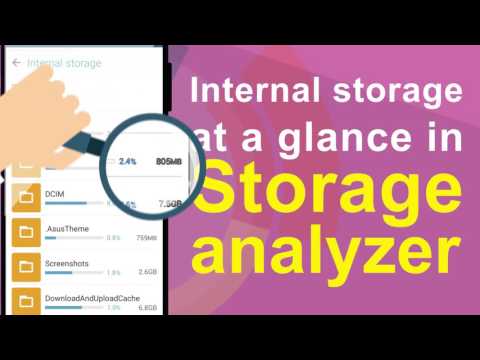
- Disk tools: Storage analyzer, recycle bin and hidden cabinet let you manage your disk easily.
- LicenseFree
- File nameFile Manager
- File Version2.0.0.397_180123
- Package namecom.asus.filemanager
- Size17.66 MB
- UploadedFebruary 10, 2018
- Android4.1 or later

- CategoryTools
- DeveloperZenUI, ASUS Computer Inc.
- Developer sitehttp://www.asus.com
- Developer emailzenui@asus.com
- md5 hashc7fef5fae9babff0264525e06c902bc9
- Architecture-
- Permissionsshow (19)
